Back to the skill
Install the skill by hand
For the Claude app, where you add the skill once in settings instead of letting the install prompt do it. About two minutes.
Download the skill· strategy-to-one-pager.zip, you'll drop it in at step 4
In the Claude app, web or desktop
Add it once under Customize → Skills.
- 1
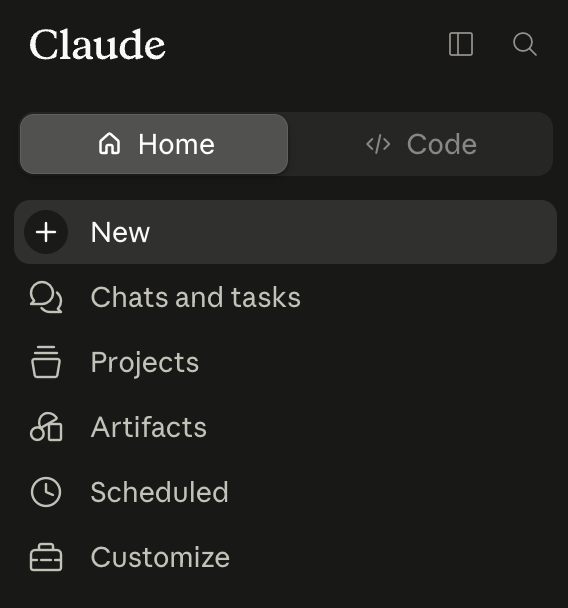
Open Customize
In the left sidebar, click Customize.
- 2
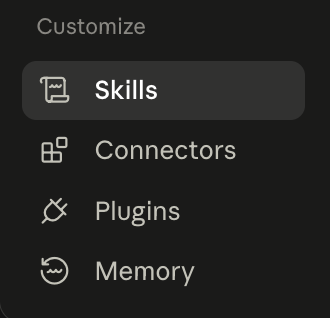
Go to Skills
Open the Skills tab.
- 3
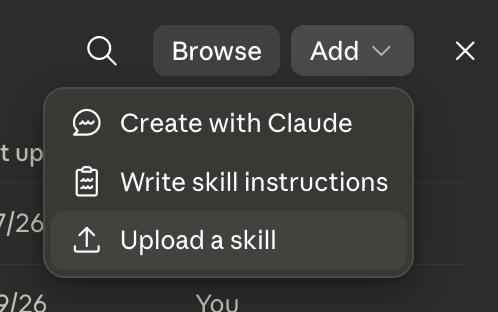
Add → Upload a skill
Top right: Add ▾ → Upload a skill.
- 4
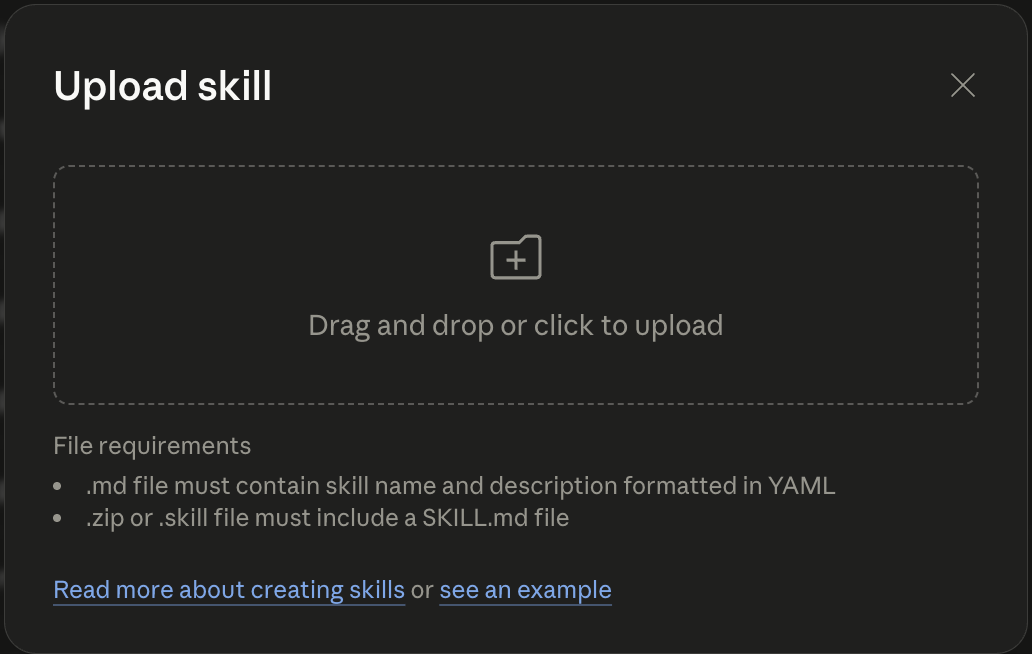
Drop in the zip
Drag strategy-to-one-pager.zip into the box.
Then turn on Code execution & File creation (Settings → Capabilities; on Team and Enterprise an admin enables them in Organization settings → Skills), start a new chat, attach your strategy documents or give your company's website URL, and ask Claude to use the strategy-to-one-pager skill.
On Claude Cowork or Codex?
One prompt can install the skill for you, no need to do this by hand.
Try the prompt